How to Store Loyalty Cards Offline
Loyalty cards are useful, but the app needed to show each one is often not. A supermarket card, gym membership, library card, or coffee club can leave you searching through several retailer apps while you are already standing at the checkout.
Billiary 1.9 adds an offline Loyalty wallet for keeping these cards together. No account is required, and your saved card data stays on your device.
Add a card without choosing a complicated workflow
Open the camera and position the card inside the guide. If Billiary recognizes a barcode or QR code, it can capture the card and preserve the detected value. If there is no code, you can take a normal photo. You can also choose an existing screenshot or card photo from your library, with manual entry available as a fallback.
Before anything is saved, Billiary shows a preview. You can review each image, recapture a blurry side, delete an image you do not need, add another side, and optionally name the card.
Show the useful side at checkout
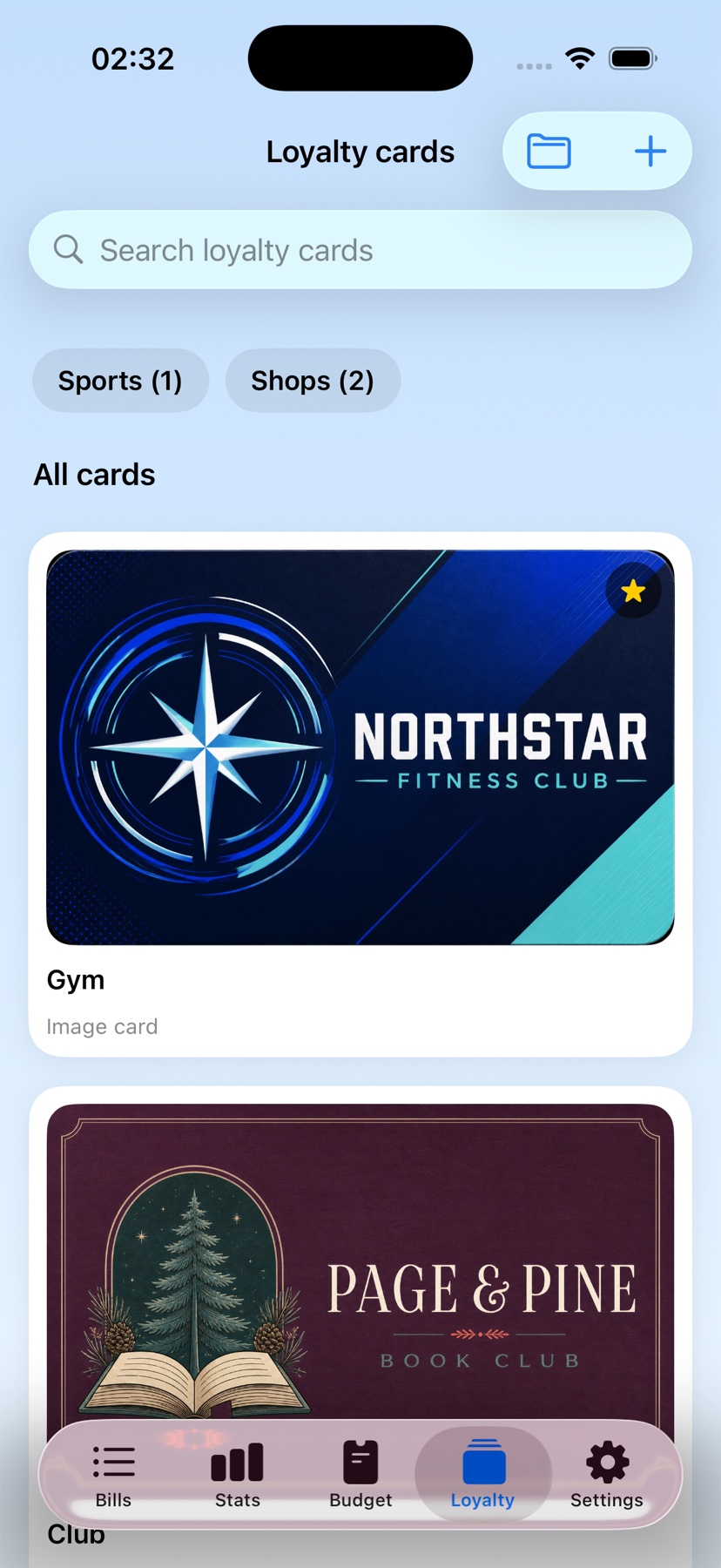
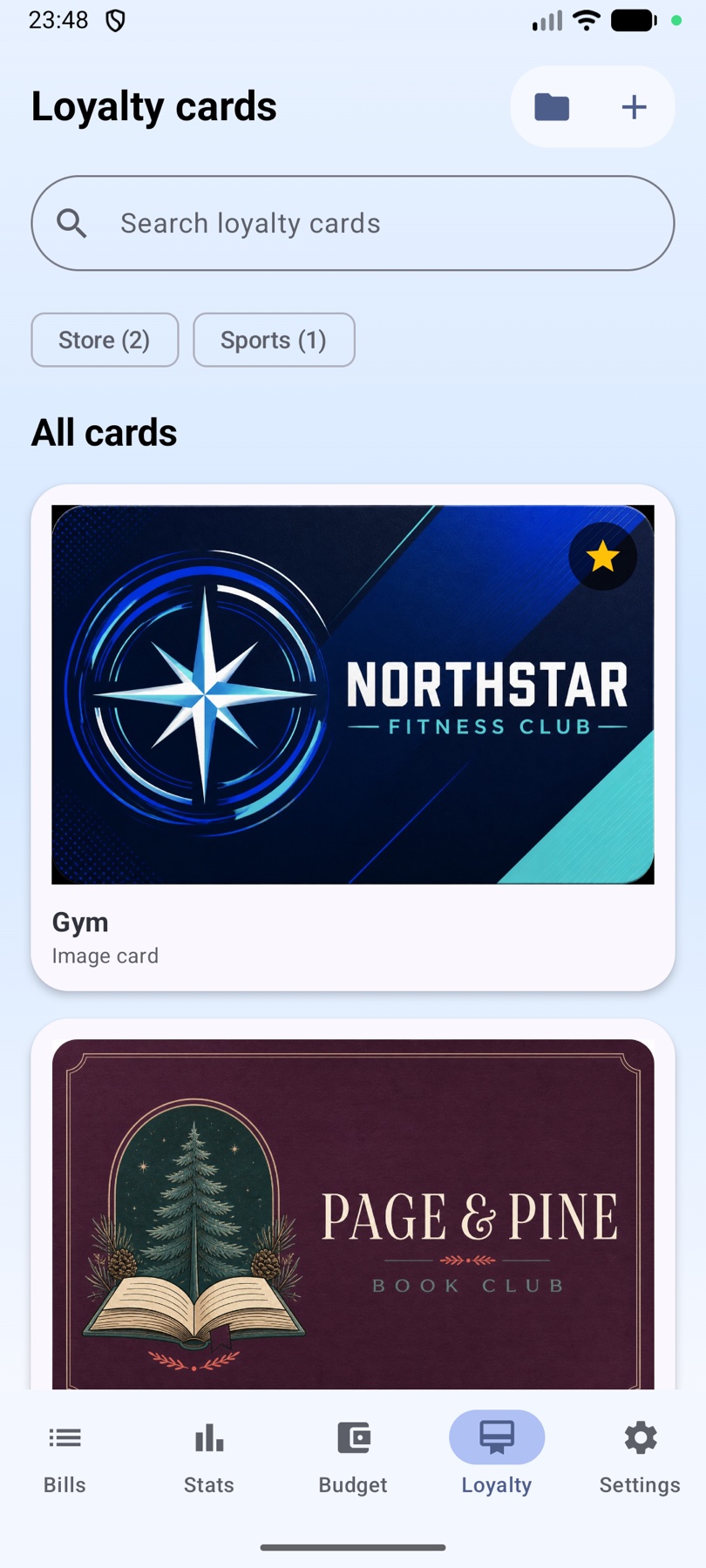
Tap a saved card to open it full screen. When a barcode or QR code was detected, Billiary presents the generated code first for easier scanning. Swipe between the code and saved card images, with a clear position indicator when several items are available.
The main image setting controls the thumbnail shown in the Loyalty list. It does not replace the detected code or stop Billiary from opening the scannable code first.
Keep everyday cards easy to find
Search by name, mark frequently used cards as favorites, and rename or delete cards with a long press. Premium adds custom collections, collection filters with card counts, and drag-and-drop reordering for people with a larger wallet.
What belongs in the Loyalty wallet?
- Store and supermarket loyalty cards.
- Gym, club, and association memberships.
- Library and community cards.
- Coffee shop, restaurant, and rewards cards.
- Other non-payment cards that use an image, barcode, or QR code.
Because payment cards, identity documents, and similar records contain sensitive personal information, the Loyalty wallet is not intended for credit cards, debit cards, IDs, passports, or other personal documents.
Offline storage and backups
Cards and images are stored locally for offline access. Premium JSON backups can preserve supported Loyalty card details and detected code values, which lets Billiary recreate those codes after a restore. Card photos are not included in the JSON backup and remain only on the original device.
Keep loyalty cards ready offline
Download Billiary and keep loyalty cards, membership cards, barcodes, QR codes, and card images together without creating an account.